
Jazz on MuseScore has never sounded so good.
A new era of jazz on MuseScore is here. Real sampled instruments for MuseScore 4's own playback, made by a working jazz musician. No plugin, no subscription.
Available Wednesday, November 11Hear it
Every instrument in this video (tenor sax, piano, upright bass, drums) is a Chartwrite Sound playing inside MuseScore.
The sounds
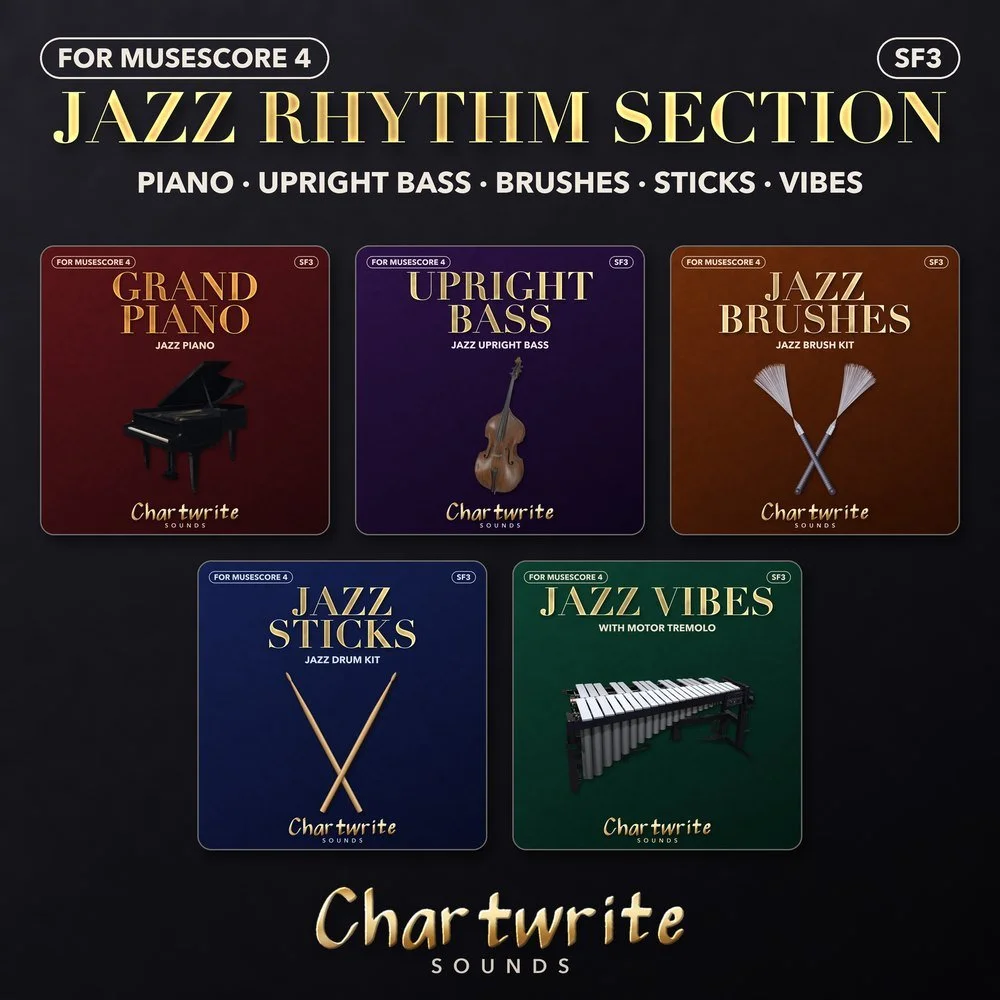
Jazz Rhythm Section
Piano, upright bass, brushes, sticks and vibes.
$20 launch price (goes to $30 on December 11)
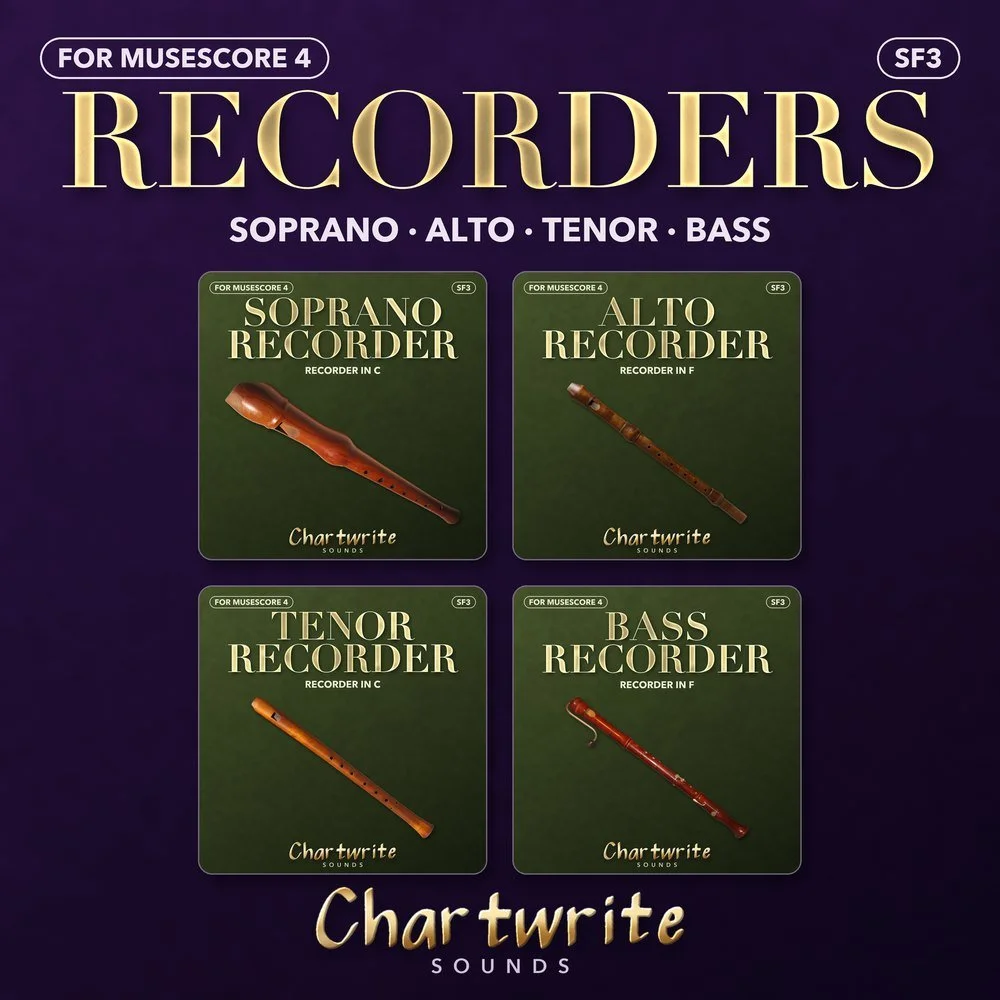
Recorders
Soprano, alto, tenor and bass recorder.
Free
How it works
- Download and drag the files onto MuseScore 4.
- In the Mixer, pick the CW sound on each track.
- Press play. (Or start from the included template.)
Why these
- Leveled to sit together, so you aren't fixing a mix.
- Recorded instruments, not synths. Free to use in anything you release.
- Built by Jeff Miguel: saxophonist, teacher and arranger, who uses them on his own charts.
Coming next
Jazz Saxes · Jazz Brass · Big Band · Folk & Americana · World Folk · World Percussion
Get notified
One email on launch day, plus new sounds as they come out.
FAQ
- Does it work in MuseScore 3?
- The .sf3 files load there too; the template is MuseScore 4.
- Mac or Windows?
- Both.
- Can I use them in a DAW?
- They're made for MuseScore. A DAW edition may come later.
- Can I sell music made with them?
- Yes. Just don't share the sound files.